How to Make AI Figurines & Enamel Pins with Image Remix
Step-by-step guide to the viral AI figurine and enamel pin trend: pick a photo, apply the remix preset, and get a collectible-style result in seconds. Free.
Posted by
 Whisk AI Team
Related reading
Whisk AI Free Limits & Pricing Explained
Is Whisk AI free? How credits work, what image vs video generations cost, daily rewards, and when a paid plan is worth it — explained simply.
Whisk AI Not Available in Your Country? 5 Fixes
Google Labs Whisk shows 'not available in your country'? Here's why it's region-locked and 5 working fixes — including a free remix tool with no region blocks.
The collectible remix trend, explained
Somewhere between Nano Banana edits and Google Labs Whisk experiments, a new visual meme went mainstream: turning ordinary photos into collectible merchandise of yourself — a 1/7 scale figurine on a desk, a hard-enamel pin, a die-cut sticker. It works because remix models are extremely good at keeping a face recognizable while rebuilding everything around it in a new material and setting.
This guide shows you the whole workflow on Whisk AI, start to finish, with the exact presets to click.
What you need
- One clear, well-lit photo (front-facing works best)
- A free Whisk AI account — sign-up credits are enough for several generations
- Two minutes
Make an AI figurine from a photo
Step 1. Open the AI Figurine Generator and upload your photo in the playground.
Step 2. Click the Toy Figure preset card. Whisk AI fills in the full prompt automatically: a 1/7 scale commercialized figure, circular acrylic base, computer desk scene, and a BANDAI-style packaging box printed with the original artwork.
Step 3. Hit generate. In seconds you get the complete desk-scene collectible. Not perfect? Regenerate — each run re-rolls the details while keeping your subject recognizable.
Design an enamel pin
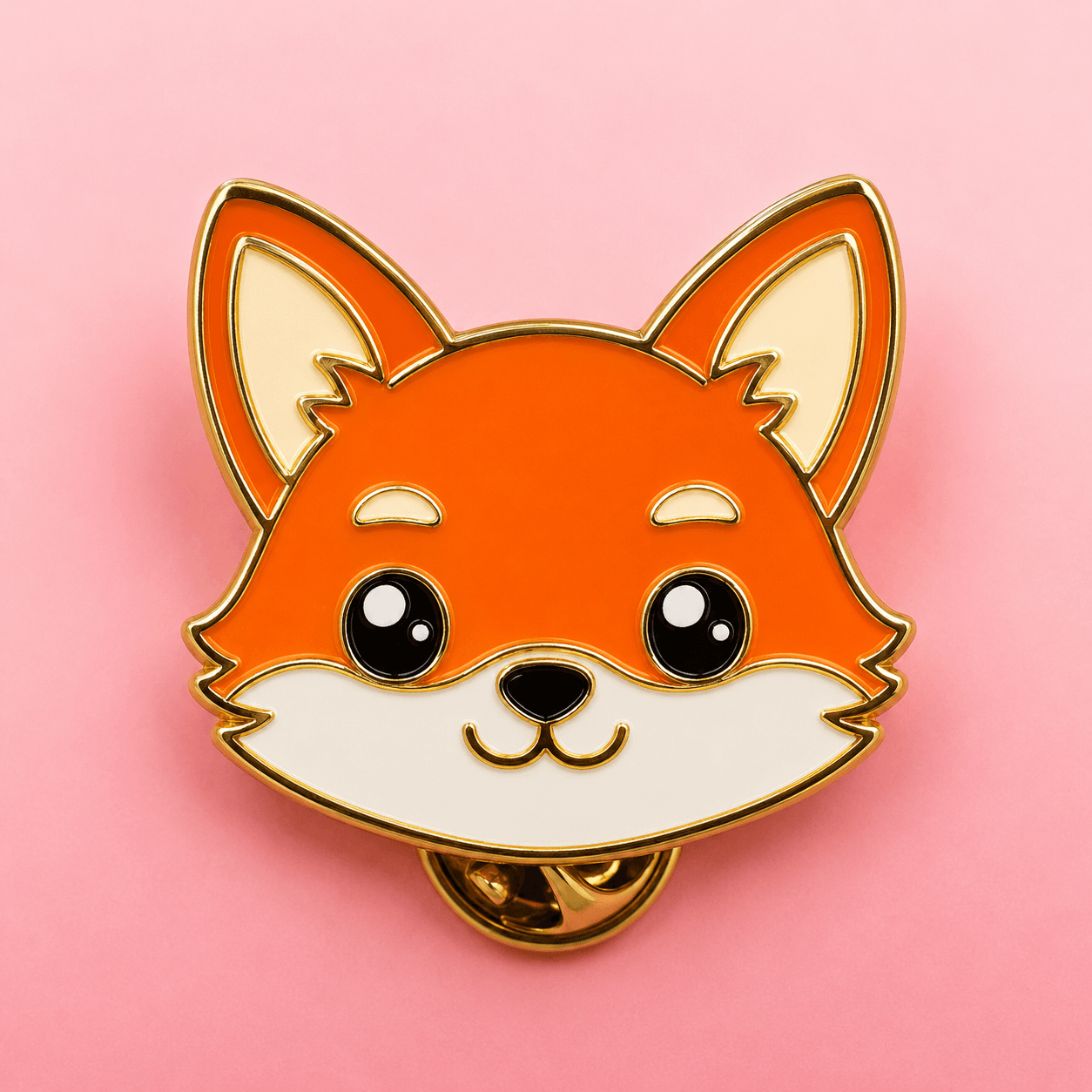
Same workflow, different preset: open the AI Enamel Pin Generator and pick Enamel Pin. The redraw applies a metallic gold outline, glossy enamel fill, saturated colors and a soft studio reflection on a clean gradient background — the classic hard-pin look. High-contrast subjects (pets, logos, characters) translate best.
Bonus: die-cut stickers
The AI Sticker Generator applies bold outlines, kawaii proportions, flat vinyl colors and a thick white border with a peeled corner. The result is print-ready — download it and send it to any sticker printing service.
Pro tips for collectible-grade results
- Photo quality beats prompt length. A sharp, evenly lit photo does more than any extra adjectives.
- One subject per image. Group photos split attention and blur faces.
- Keep the face. Upload the person as the subject reference rather than describing them.
- Mix presets. Try the same photo as figurine, pin and plushie — the surprise wins are usually there.
- Manufacturing: AI images work as reference art for pin/sticker makers; confirm with your manufacturer that AI reference designs are accepted.
That's the whole trend in one workflow. Start with the figurine generator — it's the one everyone posts.